01
Set Observation Point
Choose your viewpoint first. It defines your base composition.
Plan your shot before you arrive
Preview framing, focal length and composition
See your shot before you get there

Before you arrive on site Plan your composition, focal length, and viewpoint Make your shooting decisions Before you even get there

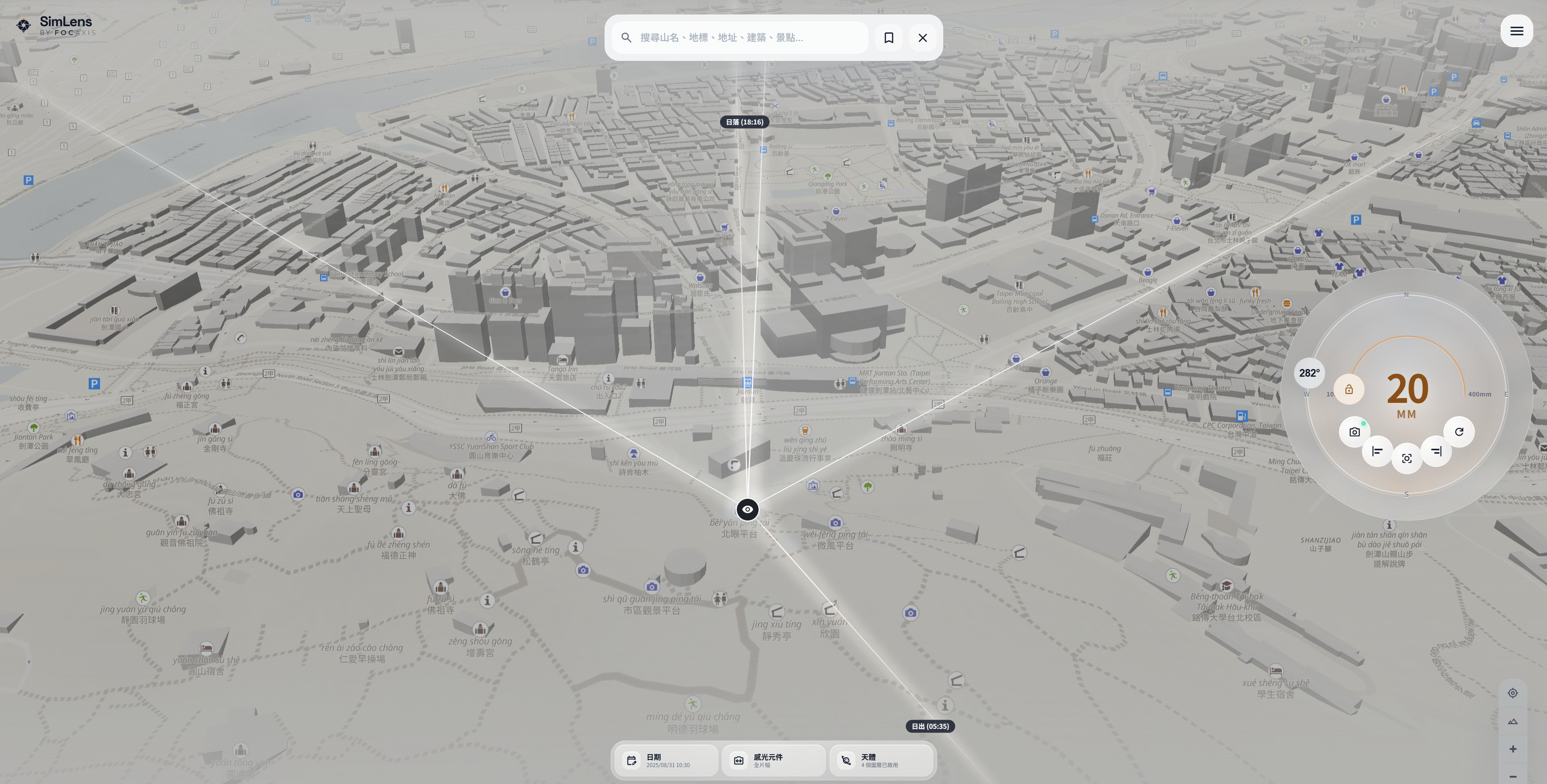
SimLens turns pre-trip decisions into a clear workflow so you can complete every key step before you go
Choose your viewpoint first. It defines your base composition.
Adjust focal length and sensor size. Match your framing in advance.
Preview the visible range. Know what fits before you arrive.
Align direction with timing. Plan for light and sky conditions.
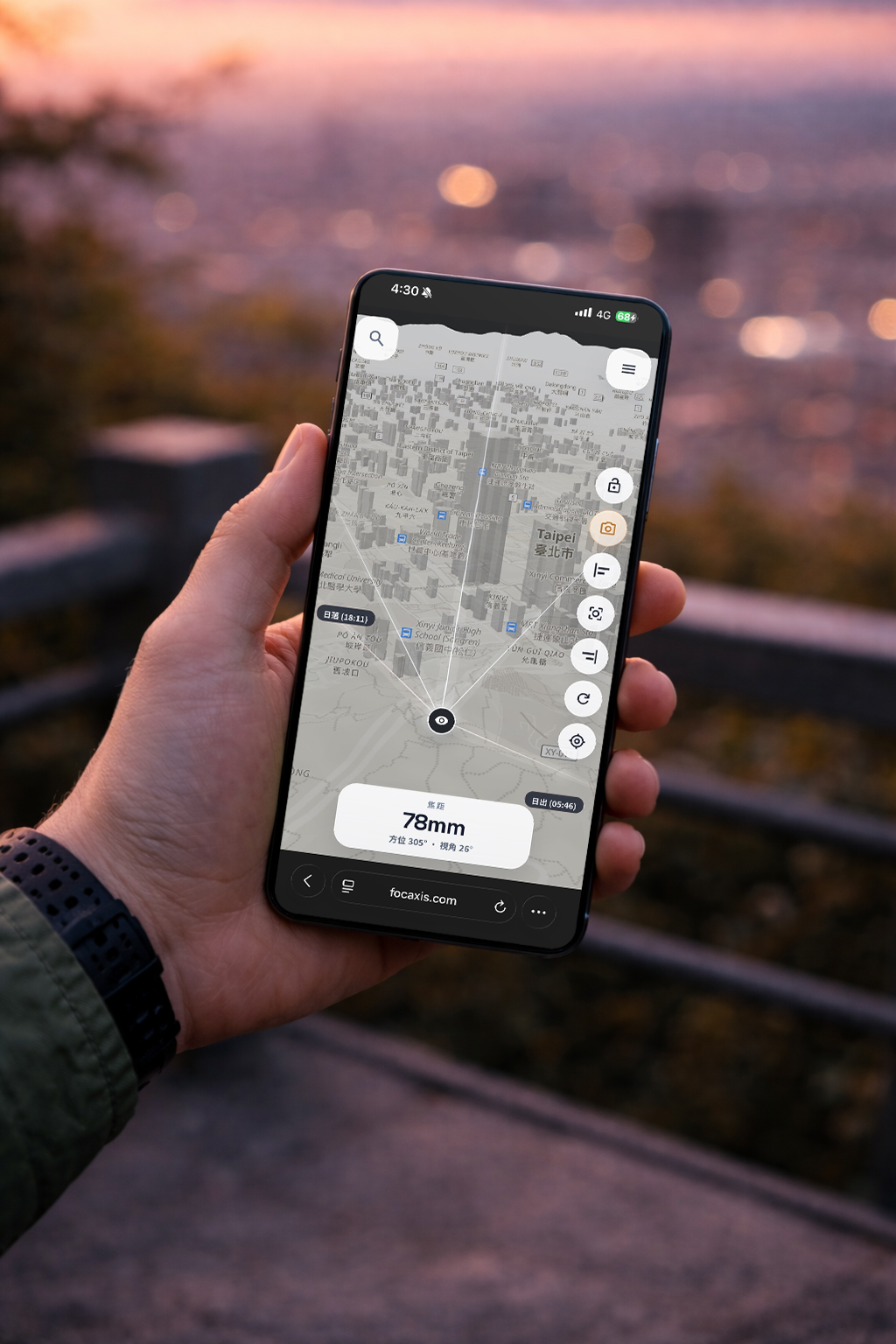
SimLens turns maps into predictable visual outcomes. You can validate your composition before you arrive and decide with more confidence before stepping on location.
Start from a real-world viewpoint and calculate the field of view based on focal length and sensor size. What once relied on intuition and experience becomes something you can clearly evaluate. You no longer need to be on-site to understand how the frame will actually look.
Define your frame using a viewpoint and reference points, then quickly determine whether your subject fits within the shot. If the composition does not work, you will know before making the trip, saving both time and unnecessary effort.
Turn uncertainty into decisions before you arrive.